Install with one shell command. Start sessions without the desktop app when a terminal is enough.

Local runtime. Remote control.
The control plane for agentic coding
Run AI coding sessions from your own machine, keep the CLI as the primary install, and approve important actions from a clean mobile surface when you step away.
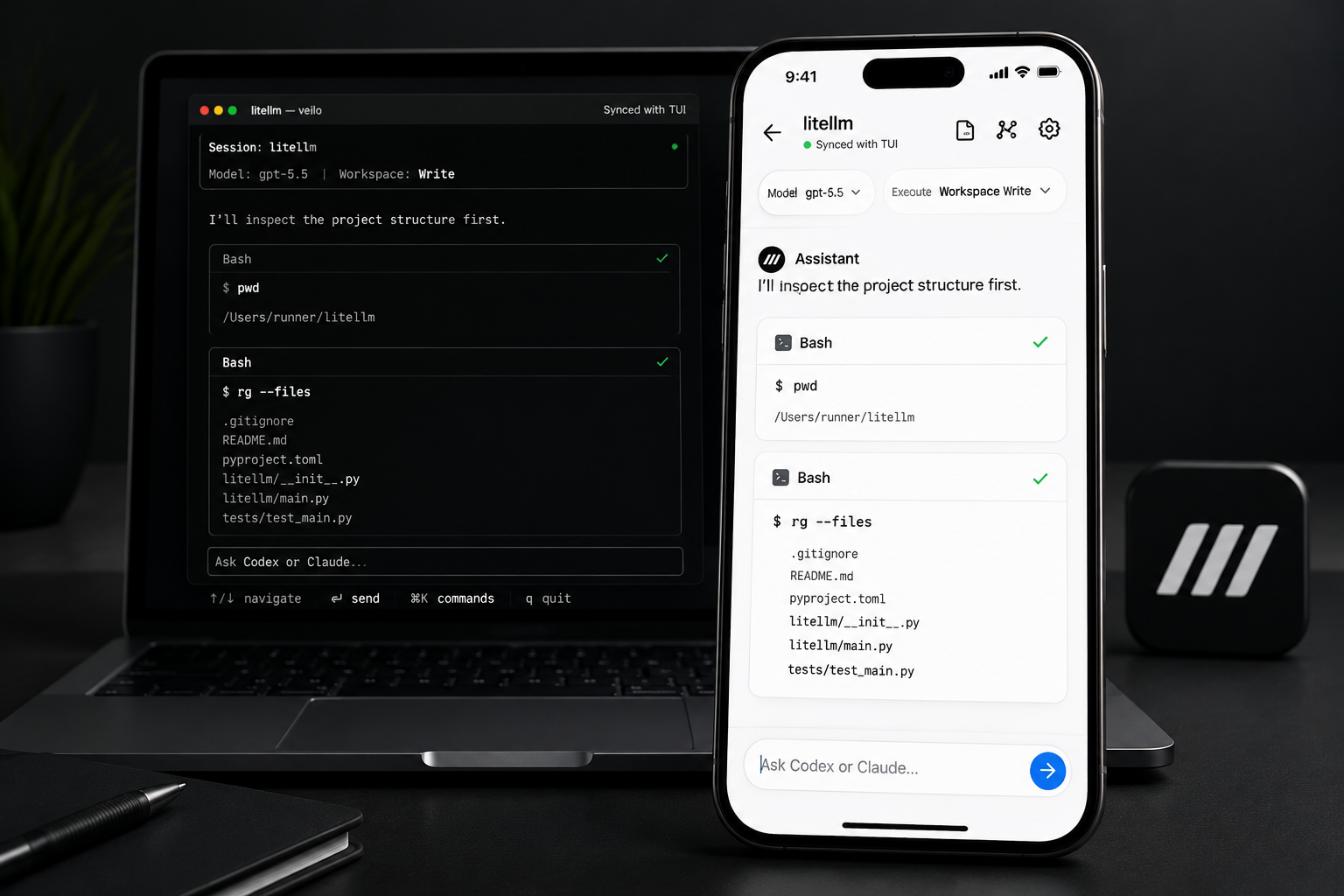
Use the GUI only when you want a local host console, managed runtime setup, and richer desktop controls.
Built for long-running AI engineering work
Veilo keeps execution close to your machine while giving you a remote view of progress, approvals, and runtime health.
01 / localYour computer stays the execution boundary
02 / approvalSensitive actions stop for review
03 / versionsManaged CLI and agent releases
Workflow
Start a session, leave the desk, keep control.
Veilo discovers local runtimes and workspaces, opens a secure channel, then exposes sessions, tool calls, logs, and approvals from mobile.
01
Remote session control
Follow agent progress, terminal output, and tool-call state from another device.
02
Managed runtime setup
Install and verify CLI, Git, Codex, and local agent dependencies to reduce drift.
03
Approval-first operations
Confirm file writes, command execution, and sensitive operations before they continue.
Install Veilo CLI
The CLI is the primary install path. The desktop app is optional for teams that want a GUI host and managed setup surface. Links resolve to the latest release.
Already have an older Veilo installation?
Installation guide →Use the migration command to preserve the old executable as a backup and switch PATH to the managed CLI.
CLI only
Desktop app